
ANC CRM · custom pages
Ask for a page, get a page
The CRM already carries twenty five pages built specifically for ANC. The new part is that you can now describe one in plain English and have it made for you.
ANC CRM · custom pages
The CRM already carries twenty five pages built specifically for ANC. The new part is that you can now describe one in plain English and have it made for you.
First, what a page is
A view is a list with filters on it. A page is a purpose-built screen — it can total things, group them, colour them, rank them, and put the number that matters at the top. You already use several every day without thinking of them as anything special.
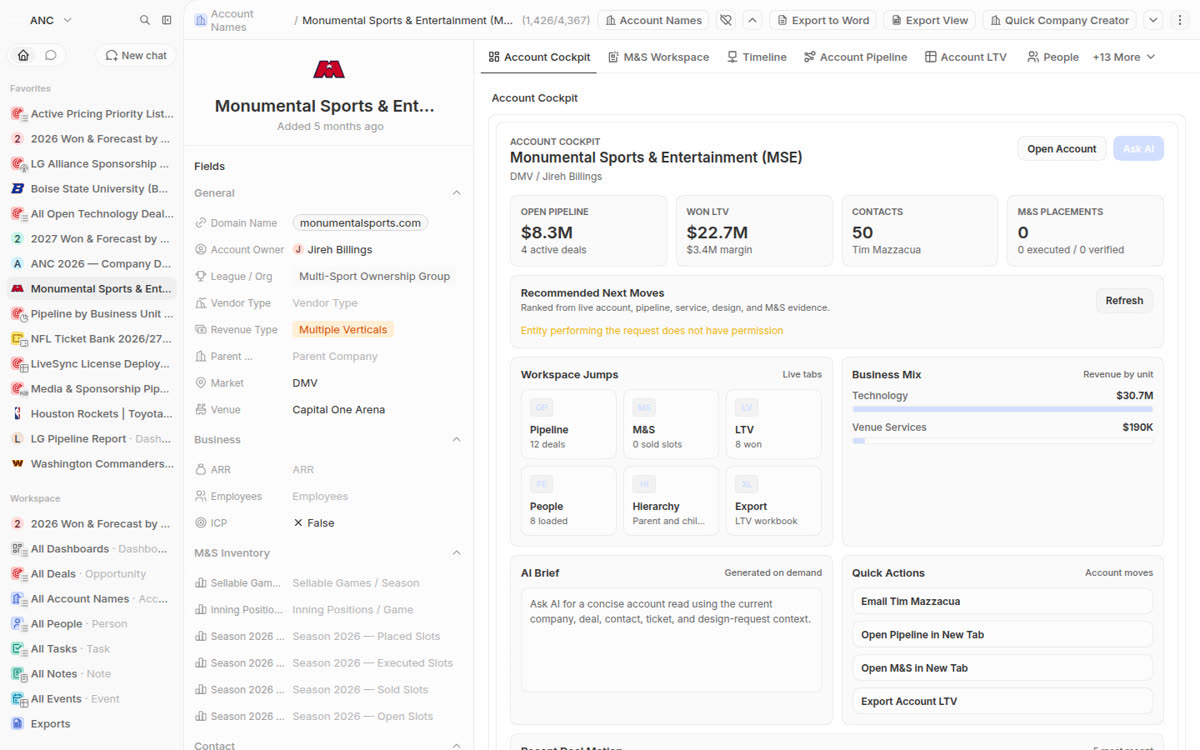
Open pipeline, lifetime value, contacts and business mix for one account, on one screen.
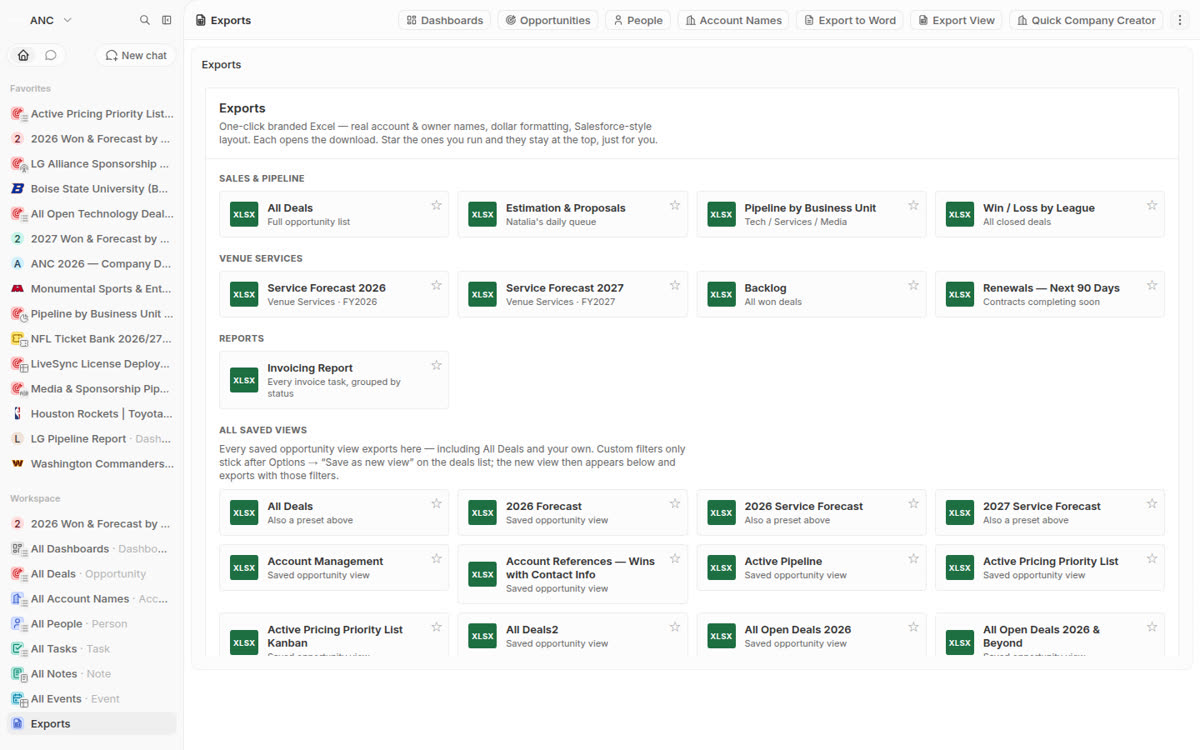
Every branded report as a tile, with the ones you star pinned above the rest.
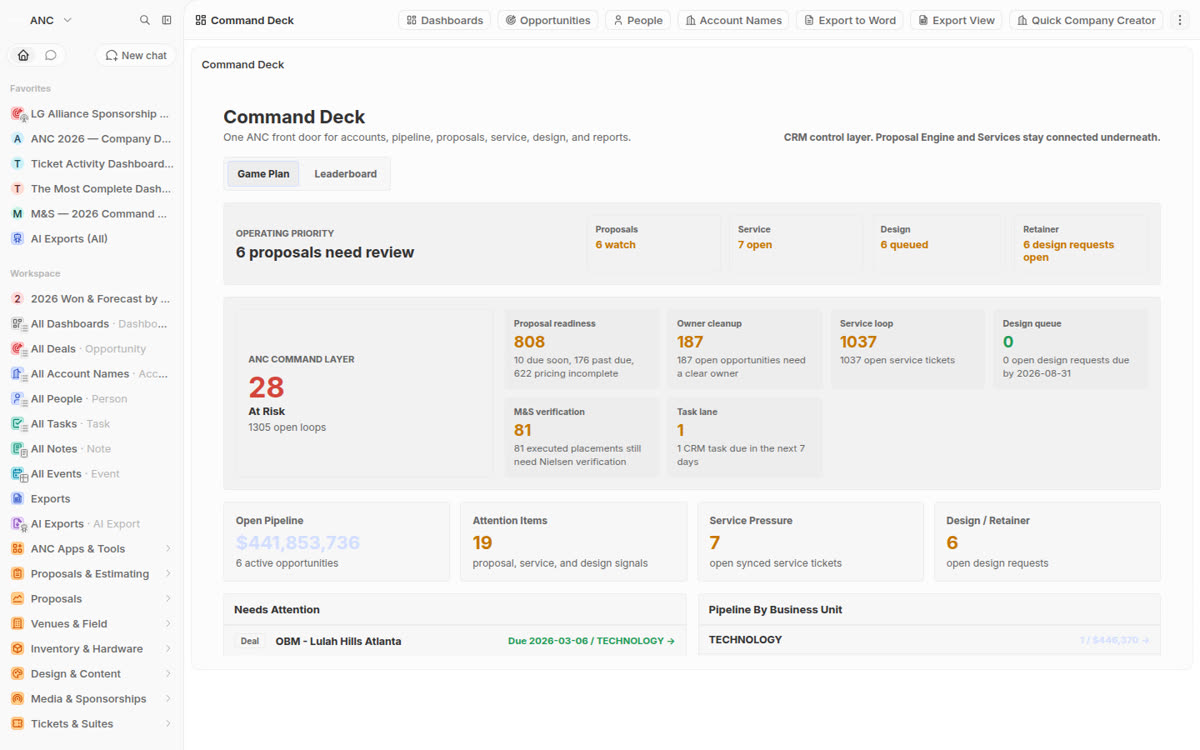
The operations read across venues, tickets and field work in a single place.
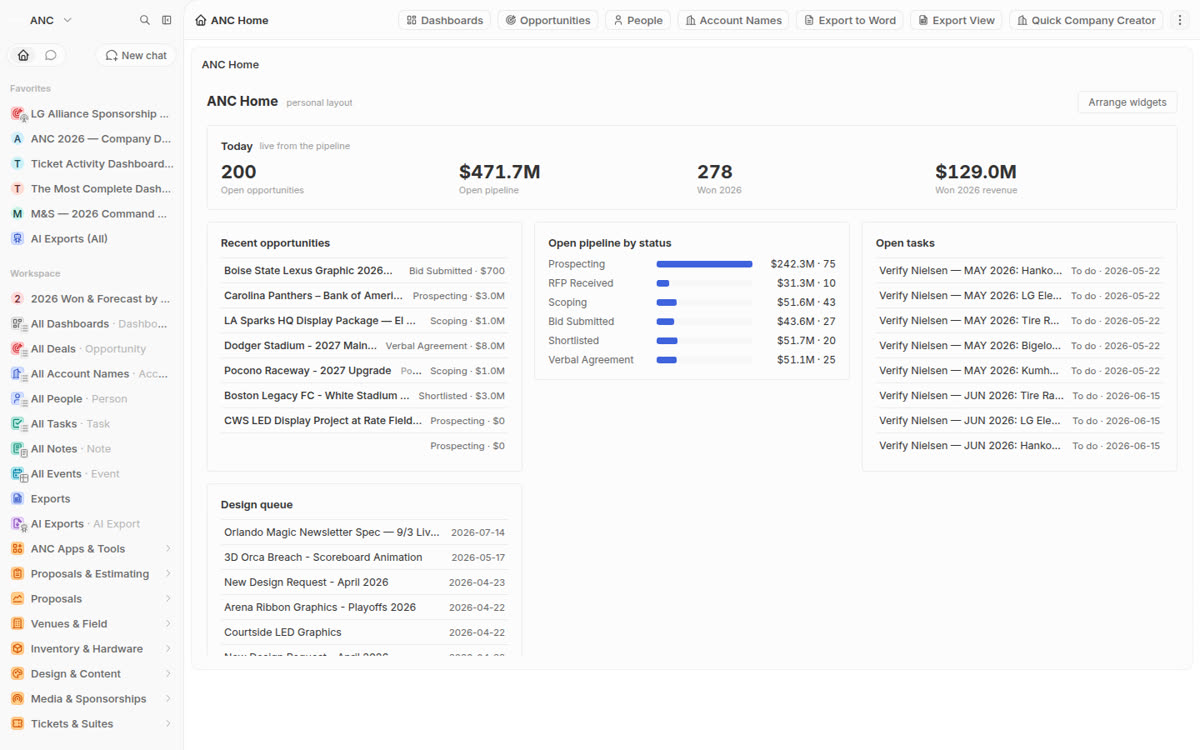
A landing screen you arrange yourself, remembered per person.
What is new
Every page above was made to order. The assistant can now do that step itself — you describe the screen you want, and it creates it, installs it, and puts it in your sidebar.
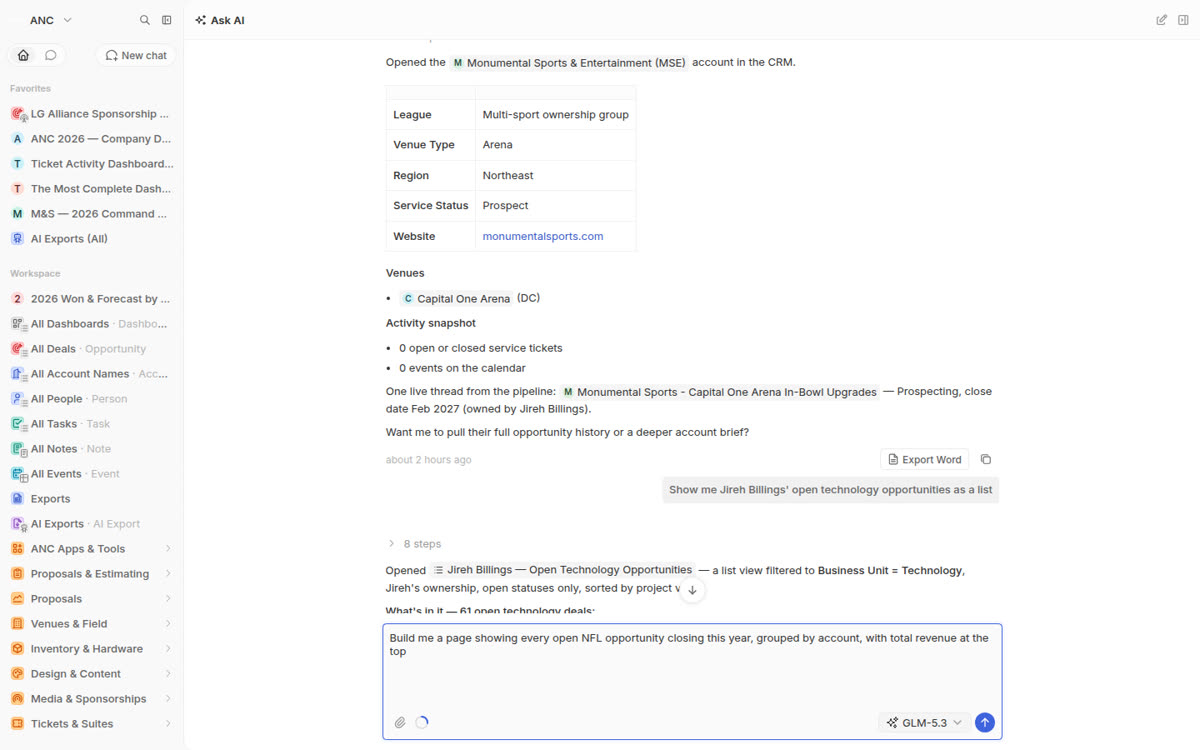
No settings to open, no fields to pick, no builder to learn. You say what you want to look at, and how you want it arranged.
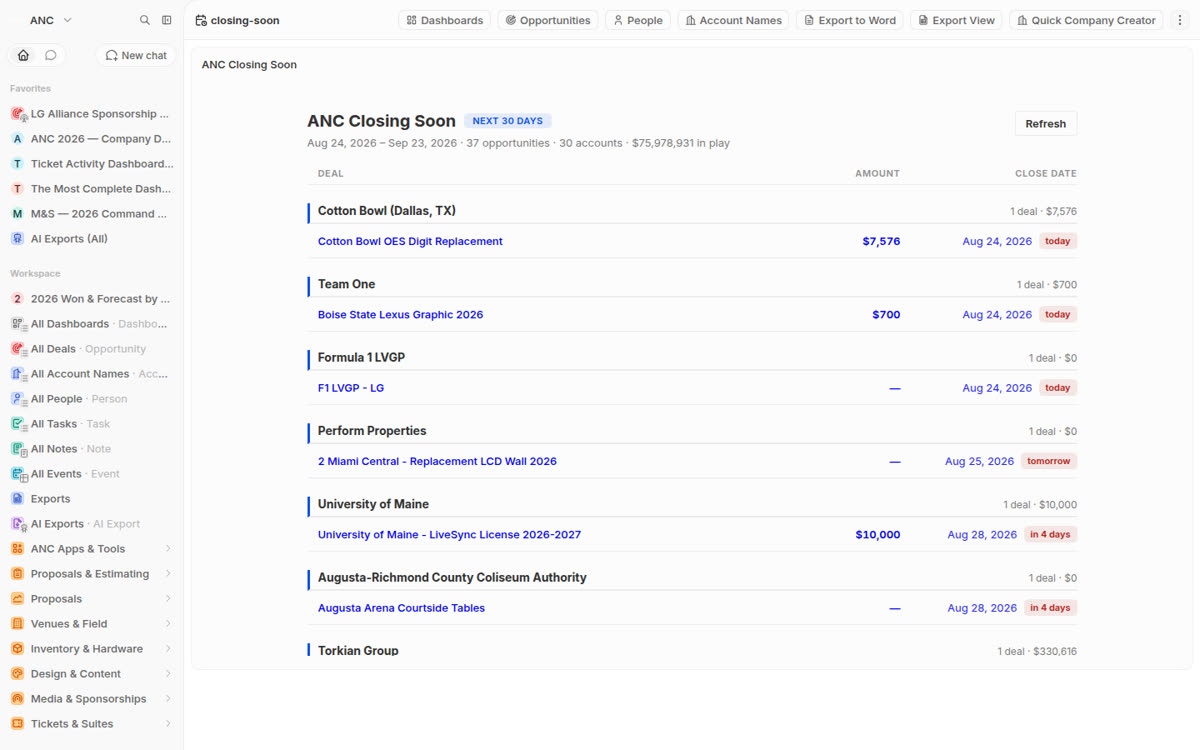
Asked for opportunities closing in the next thirty days grouped by account. It made the screen, added it to the sidebar and put it live. It reads 37 opportunities across 30 accounts, $75,978,931 in play, grouped by account with today, tomorrow and in-four-days flagged on each deal — and it recalculates every time you open it.
How to ask
You are not writing instructions for a computer. You are telling a colleague what you want on your screen.
Copy any of these straight in.
If the first answer is not quite right, say so in the same conversation. "Group it by league instead", "drop the lost ones", "put margin next to revenue" — it changes the page and keeps the rest. You are not starting over.
Where it stands
The capability is real and running — ANC Closing Soon above was built this way and is live in the sidebar today. It is not yet steady enough for the whole team to lean on, so it is being tightened first. When it opens up, this page becomes the guide.
What it will not do. It builds screens that read your data. It does not change deals, delete records, or alter anyone's permissions — a request that would take something away is refused rather than guessed at.